

If your SD card says “Card not recognised” or “Please format”, do not format it. The photos and videos are very often still on the card. Formatting is the one step that can make recovery harder, so stop, remove the card and read on.
Key takeaways
- The message usually means the file system or the connection has a problem, not that the card is empty.
- Do not format the card, do not keep shooting, and do not try several free tools one after another.
- Logical faults can be recovered from a write-protected image. Physical damage or a dead controller needs chip-level recovery in a lab.
- Take the card out of the camera and keep it safe. Copy photos off cards as soon as you can.
- Diagnosis is free. If we cannot recover your data, you do not pay.
In this guide
- A typical scenario
- What the message means
- Common mistakes
- Do this now
- Why cards fail
- How a lab recovers a card
- Cost and time
- What to note before you contact a lab
- How to prevent it next time
- Frequently asked questions
Written by the Recovea lab team, Porur, Chennai. Updated and reviewed 20 November 2026.
A typical scenario
A wedding photographer finishes shooting an event, with once-in-a-lifetime moments on a 256 GB card. At the laptop, the card shows “Card not recognised. Please format.” They try other laptops, other cameras and some free software, and nothing works. This is a typical scenario, not a single customer’s story, and it shows why the first steps matter.
What the message means
An SD card is a small flash drive. The computer or camera reads a table at the start of the card that says where each photo is. When that table is damaged, the card can still hold every photo but cannot show them, so it asks to be formatted. Dirty contacts, a worn card reader or a failing controller can cause similar messages.
What the card is telling you
Messages, likely cause and the safe next step
stop careful safe
Common SD card messages and what they mean.
Common mistakes
- Formatting the card straight away. This can overwrite recoverable data.
- Using unreliable free recovery tools one after another. Some write to the card and can corrupt more sectors.
- Rushing into do-it-yourself fixes without knowing the cause.
- Carrying on shooting to see if the card “fixes itself”.
Do this now
- Switch the camera off and remove the card.
- Do not format it, in the camera or on the computer.
- Try the card in one different card reader, once.
- If you can see the files, copy them to a computer before doing anything else.
- If the card still does not work, keep it safe and ask a lab before trying anything more.
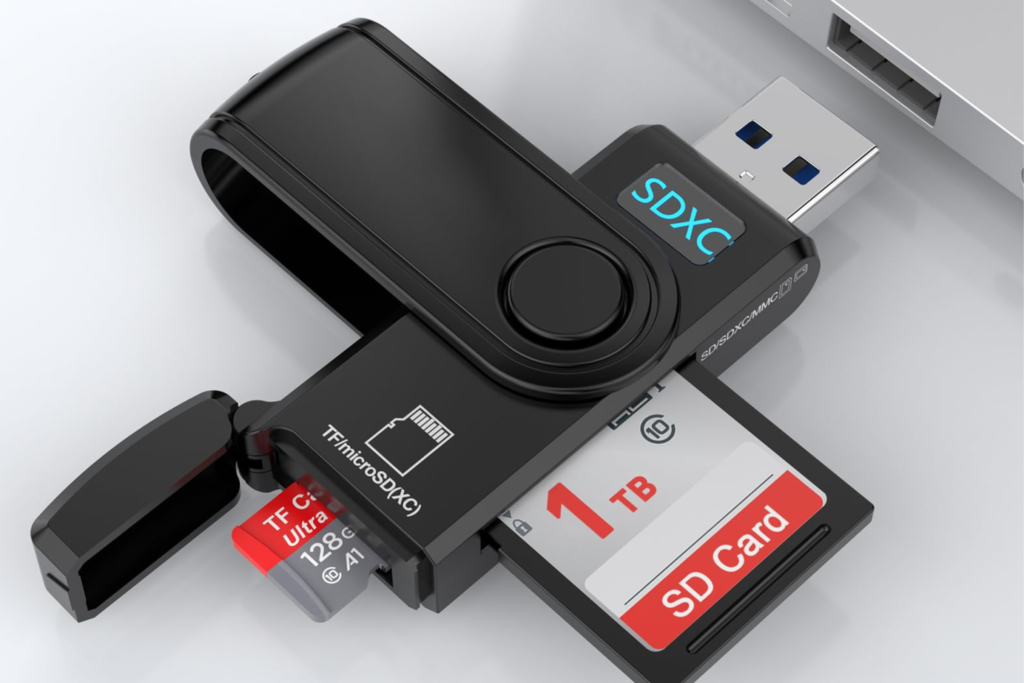
Ask our experts: free diagnosis. Send us a message on WhatsApp and we reply within 30 minutes during working hours (Monday to Saturday, 10:30 to 20:00). Recovery starts from ₹990, physical and complex cases are quoted individually after diagnosis, and if we cannot recover your data, you do not pay.
Chat on WhatsApp | Call +91 79046 79817 | Ask D, free diagnosis
Why cards fail
SD cards store data in flash memory chips. The failure can be logical, such as file system corruption, which is recoverable from an image of the card. It can be physical, such as a broken connector or damaged chip, which needs chip-level recovery. Or it can be a controller failure, where the data is intact but the structure must be rebuilt by hand. Our guides on corrupted memory cards and chip-level recovery explain each case.
How a lab recovers a card
We use write-protected imaging tools so that nothing is written to the card, and extract the raw data into an image. On that copy we rebuild the damaged FAT32 or exFAT file system and check the photos and videos. If the card has hardware failure, we read the memory chips with a specialised reader and rebuild the data from them. You see what was recovered before you pay.
How a lab recovers a card
Protecting the card first
How a lab recovers photos from an SD card.
Cost and time
Diagnosis is free. A logical recovery typically takes 24 to 72 hours. Physical and chip-level recoveries usually take 3 to 15 working days. We quote in writing after diagnosis, and if we cannot recover your data, you do not pay.
What to note before you contact a lab
Tell us the card brand, size and type, the camera or device it was used in, what happened just before the error, and which photos matter most. Do not format or reuse the card.
How to prevent it next time
Copy photos off the card at the end of each shoot, and keep two copies. Use several smaller cards instead of one large one for important events. Do not delete from the card in the camera until both copies are safe, and replace cards that are old or heavily used. See our backup guide.
Ask our experts: free diagnosis. Send us a message on WhatsApp and we reply within 30 minutes during working hours (Monday to Saturday, 10:30 to 20:00). Recovery starts from ₹990, physical and complex cases are quoted individually after diagnosis, and if we cannot recover your data, you do not pay.
Chat on WhatsApp | Call +91 79046 79817 | Ask D, free diagnosis
Frequently asked questions
Why does my SD card say Card not recognised?
The file system or connection has a problem. The photos are often still on the card. Do not format it.
Should I format the card if my camera asks?
No. Formatting can overwrite data that could have been recovered. Keep the card safe and ask for a diagnosis.
Can free software recover my photos?
Sometimes, for a healthy card. But some tools write to the card and can make things worse. If the photos matter, stop and ask a lab first.
Can photos be recovered from a card that is not detected at all?
Often yes. If the card controller or contacts are damaged, a lab can read the memory chips directly. It is not possible in every case.
How much does SD card recovery cost?
Diagnosis is free. Recovery starts from ₹990, and physical and complex cases are quoted individually after diagnosis. If we cannot recover your data, you do not pay.
Can I send the card by courier?
Yes. Pack it in an anti-static bag inside a small padded box. We also arrange pickup from anywhere in India. See our packing guide.
Related guides and services
- Deleted photos from an SD card or camera
- Memory card corrupted or camera error: photo help
- Chip-off recovery for pen drives and SSDs
- Pen drive asks to format or shows 0 bytes
- Pen drive and memory card recovery
- All data recovery services
- Data recovery FAQs
Recovea is a data recovery lab at 2nd Floor, Plot No-4, Thiraviyam Nagar 1st Street, Sai Nagar, Porur, Chennai 600116. We accept devices by pickup or courier from anywhere in India.

I once had this issue and ended up paying 500 USD to get the data retrieved